Quotas
With the Search for tariff quotas option, you can obtain information about tariff quota status’s and balances.
Click Quotas on the menu bar and then click on Search for tariff quotas in the sub-menu.
The following page will appear:
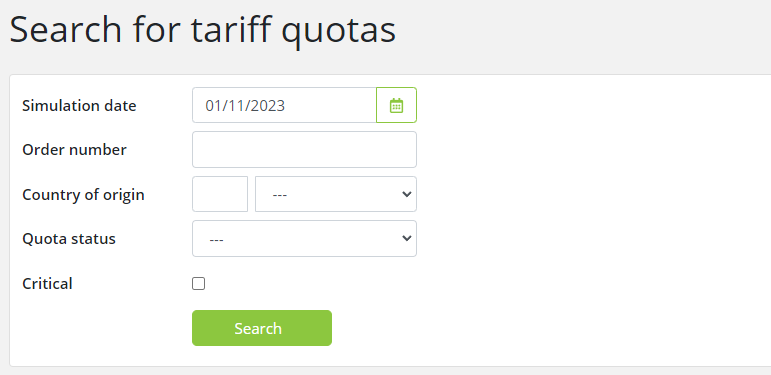
To search for defined tariff quotas, enter the relevant data into the fields according to the following table:
|
Field |
Description |
|
Simulation date |
Enter the date you are looking for. By default, the field is set to the current date. |
|
Order number |
Enter a 6-digits quota order number.
|
|
Country of origin |
Choose the country by description or code. |
|
Quota status |
Select a status to view quotas for a single status. |
|
Critical |
Select to see only critical quotas. |
Either Simulation date or Order number must be filled in.
Click the Search button to start the search. The following results page will appear:
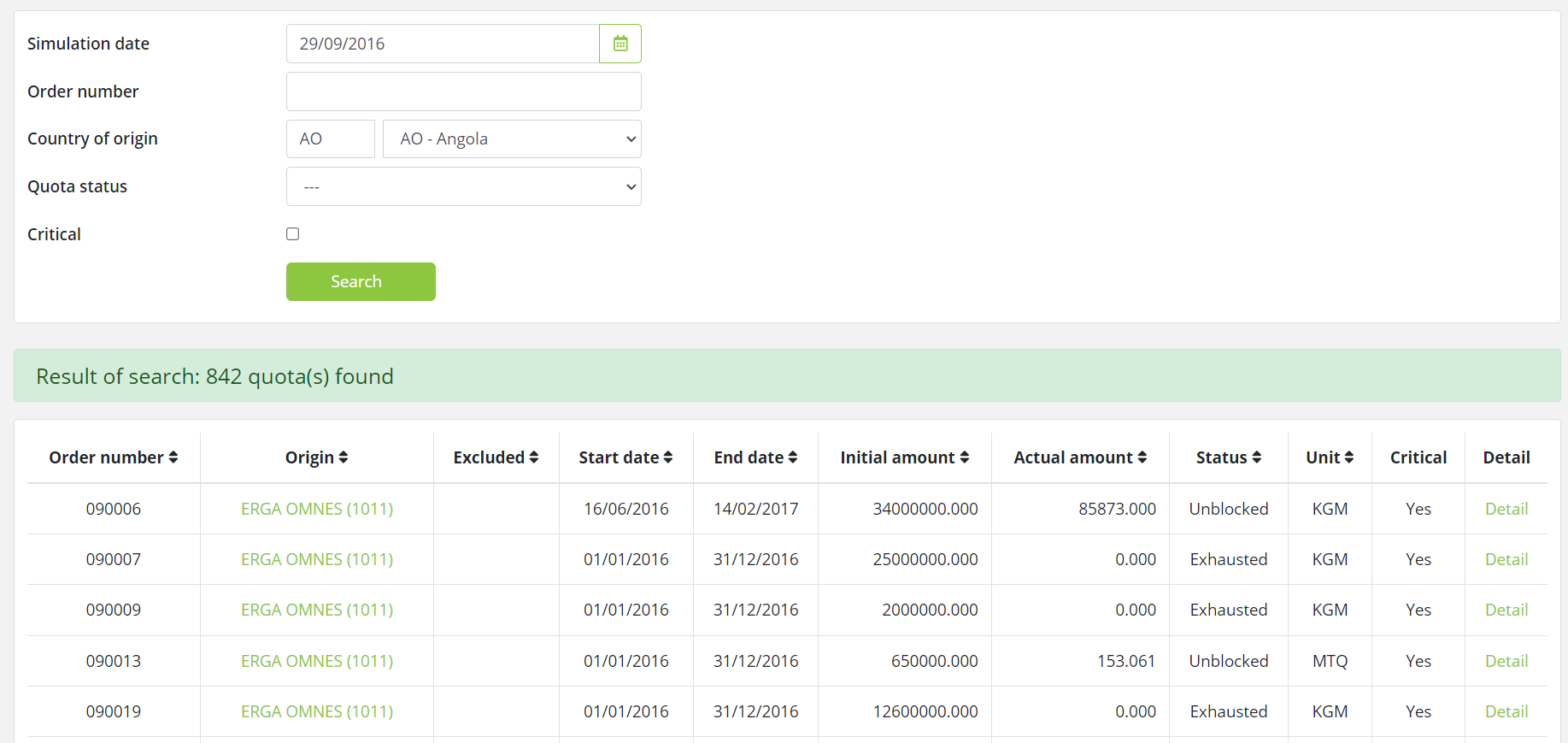
In the example above, all Opened tariff quotas defined, as of 29.09.2016, valid for Angola as Country of origin are displayed.
|
Field |
Description |
|
Order number |
The unique identity of the quota.
|
|
Origin |
The country or country group for which the quota is valid.
|
|
Excluded |
Countries excluded from the country group for this quota.
|
|
Start date |
The start date of the quota; when it becomes valid.
|
|
End date |
The end date of the quota; when it ceases to be valid.
|
|
Initial amount |
The initial amount of the quota.
|
|
Actual amount |
The currently remaining amount of the quota.
|
|
Status |
The current quota status, which can be: Blocked / Unblocked - Indicates if the quota has been blocked or unblocked. Exhausted - Indicates if the quota has exceeded the initial amount, i.e. has been exhausted. Suspended / Unsuspended - Indicates if the quota has been suspended or unsuspended. Opened – Indicates that the quota has recently been opened Reopened - Indicates if the quota has been reopened.
Note that the Status column in the search result displays the latest quota status update for the quota. Click Detail to view more information about the quota, including complete status overview.
|
|
Unit |
The units that the initial and actual amounts are measured in; e.g. Kilogram or Euro.
|
|
Critical |
Indicates whether the quota is critical or not (Yes/No).
|
|
Detail |
Click Detail to view detailed quota information.
|
The Quota detail page has three tabs i.e. Balances, Status and Associated commodity codes:
The initial view displays the Balances tab page, showing the changes to the quota balance, sorted by date.
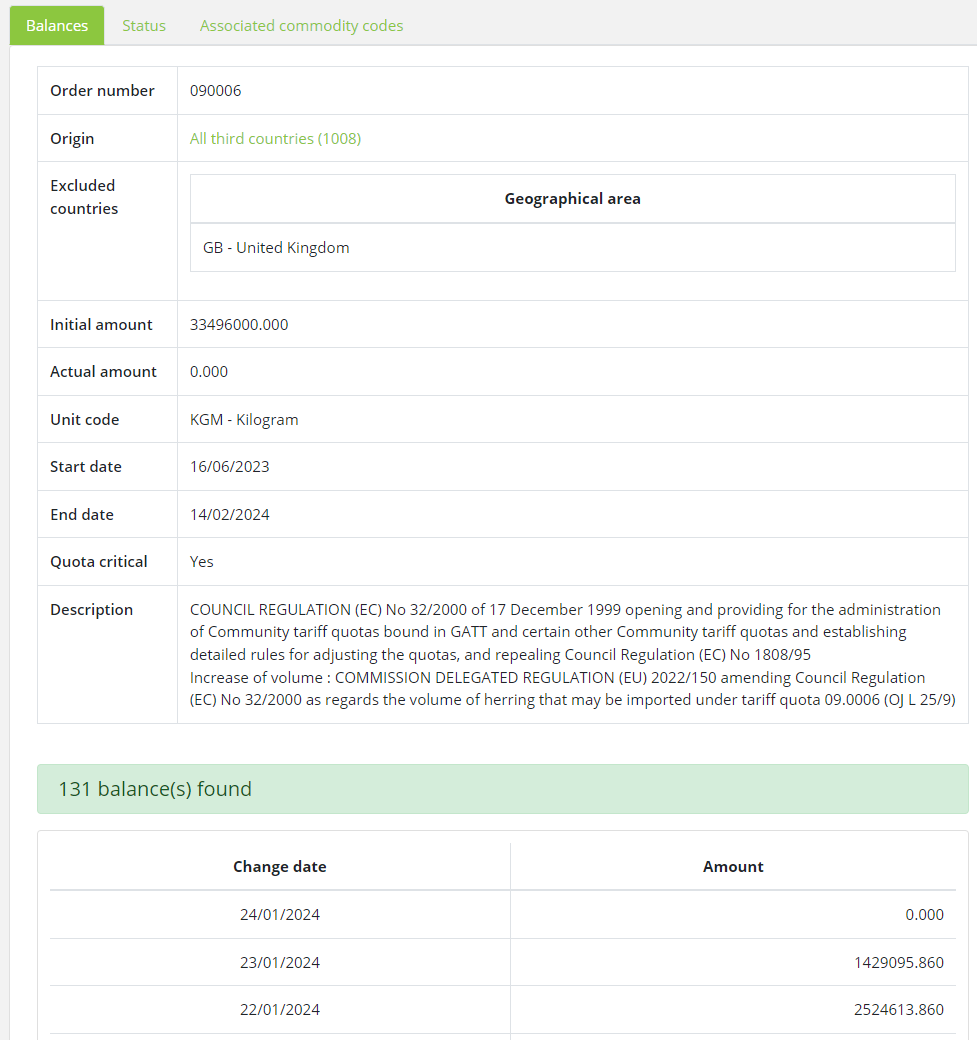
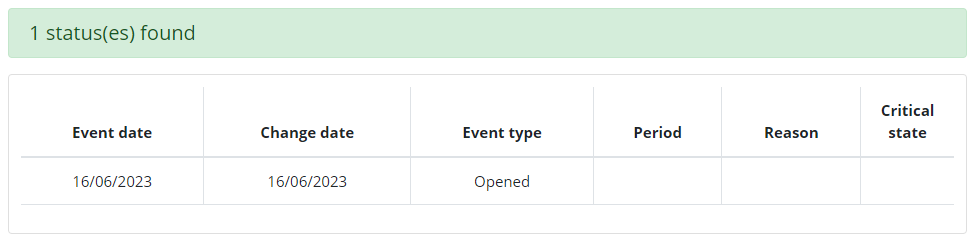
The Status tab page shows all status changes for the selected quota, sorted by date.
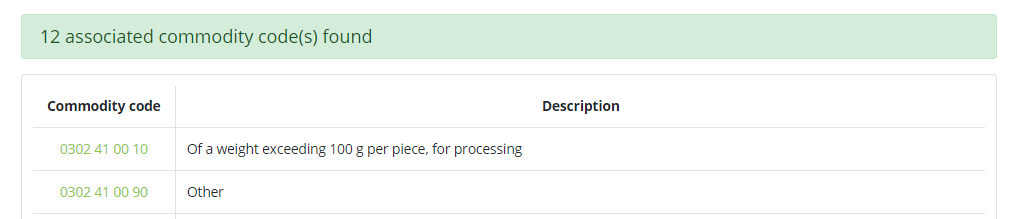
The associated commodity codes tab page lists all declarable commodity codes (including descriptions) that are associated with the specified tariff quota. Clicking on a commodity code will take you to the Measures for nomenclature screen for that commodity.