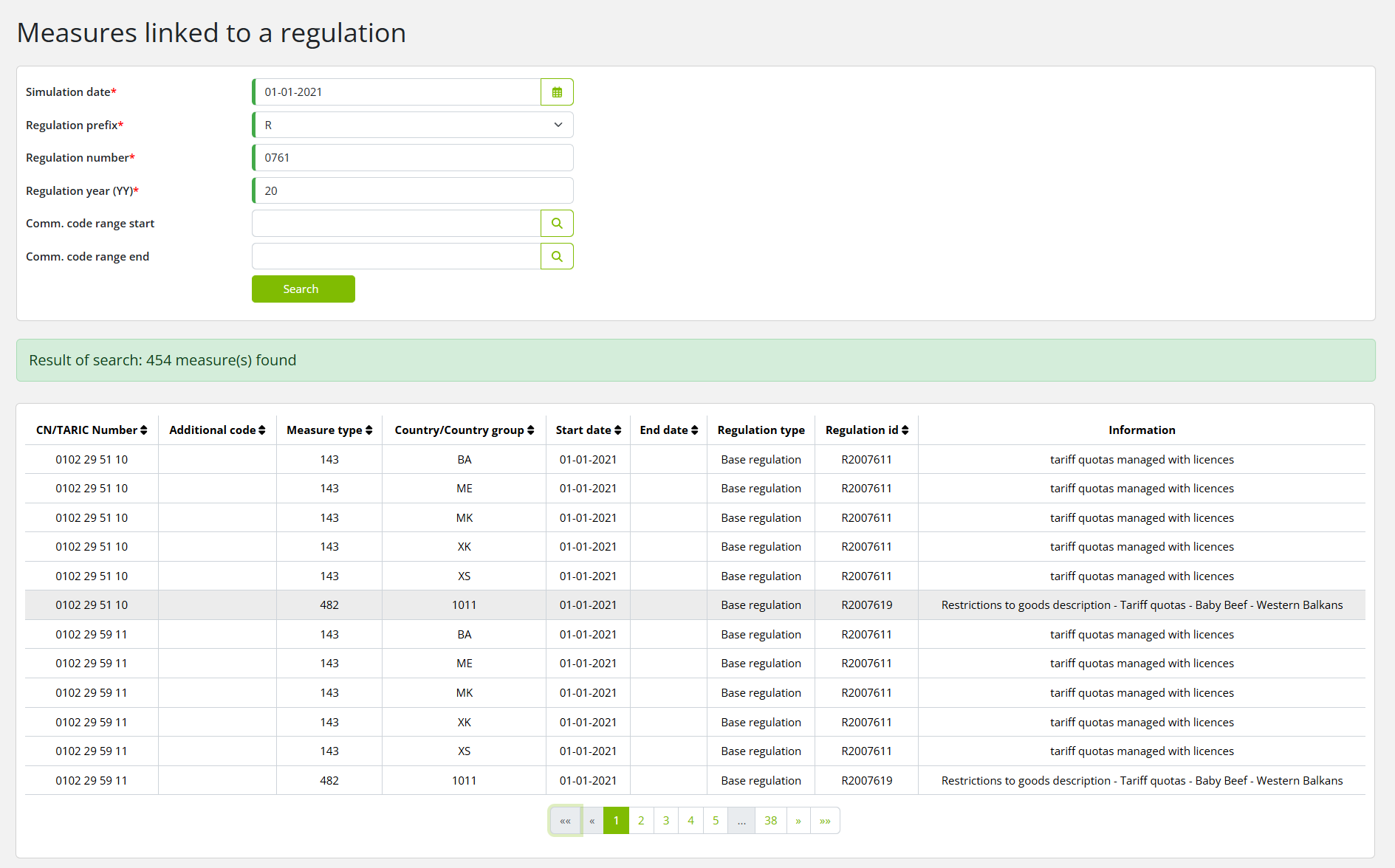
Measure linked to a regulation
This option is to query all measures for a given regulation and (optionally) commodity code range.
Click Reports on the menu bar and then click on Measures linked to a regulation in the sub-menu.
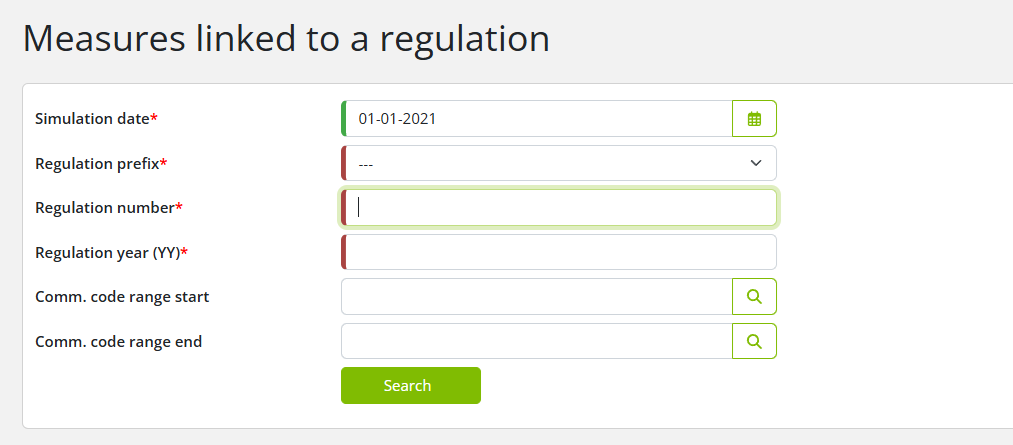
Searching measures linked to a regulation
To search for the measures which are linked to a regulation, enter the relevant data into the fields according to the following table:
|
Field |
Description |
|
Simulation date |
All measures have expiration dates, start date and sometimes end date. One simulation date must be specified in a search for measures, which in that instance limits the search result. Default simulation date is set to current date.
|
|
Regulation prefix |
Pick one regulation prefix, it can be one of the following: ’C’ - Suggestions for regulation, decisions and deals ’R’ - Regulation ’D’ - Decisions ’A’ - Deals ’I’ - Information ’J’ - Rulings from the EU court A regulation prefix must be specified.
|
|
Regulation number |
4-digit regulation id; e.g. 0761. Must be specified.
|
|
Regulation year (YY) |
Year of publication; e.g. 20. Must be specified.
|
|
Commodity code range |
At the start of a search for a commodity code range the start and end date are specified. It is optional to specify a range but if specified both values should be provided. A commodity code can be specified by 2 numbers and up to 10 numbers. It is allowed to use different levels of commodity codes. For example: 0305511010 to 2204.
|
Click on the Search button to start the search. The search results will be presented: