Online Tariff Introduction
Tariff is a comprehensive web-based tariff system for customs-administration authorities in European Union (EU) countries. The system is compatible with EU requirements and provides flexible and comprehensive functionality, also allowing national regulations to be applied.
The Online Tariff is meant for all people who are trading goods with third party countries. The main purpose of the system is to provide accurate and updated data about the EU (TARIC) and national tariff and non-tariff measures through the internet, 24 hours a day and 7 days a week.
This information is made available through a web-interface which does not require any client side applications or browser plug-ins. To start using the Online Tariff, open your browser and enter the relevant URL address into the browser's address bar.
Menu
All facilities in the Online Tariff are available from the main menu:
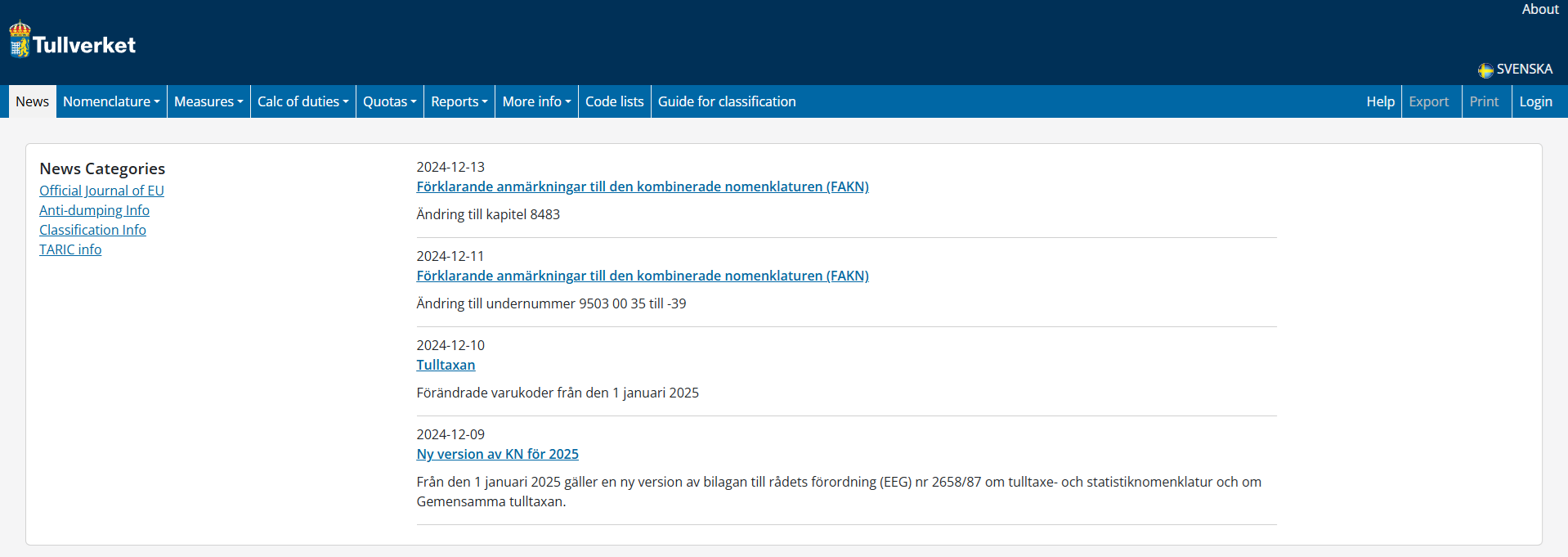
News – latest Customs news
Nomenclature – browse and search the Goods Nomenclature
Measures – search for tariff and non-tariff measures on commodities
Calc of duties – calculate duty, lookup exchange rates and search for Meursing codes
Quotas – search for quota statuses and balances
Reports – print or download sections of the goods nomenclature tree
More Info – links to other related resources
Code lists - search a list of code types and codes used in the Tariff
Guide for classification - open a new page on Customs' website
Help - opens online help in a new window
Export – Export query results to an Excel spreadsheet. Available on some query screens
Print – Creates a PDF file of query results for download or printing. Available on most query screens
Search Results
Results of searches are displayed in tabular form and can be sorted by clicking table column headings. Large result sets are paged, with 12 results displayed per page. Buttons below the table are used to move between pages.
Measures in the Tariff are sourced from the EU and from the Member State. The origin of a measure is indicated with an EU flag or a National flag.
Query results can be printed or downloaded in a PDF file by clicking the Print link in the top right of the web page.
Language
Language buttons (flags) in the top right of the web page allow the user to change the language used in the Tariff.